
Introduction
Managing money has become more challenging for many households in recent years. To stay ahead, finding the best budgeting apps in the USA 2026 is essential for tracking rising living costs and subscription services. While traditional methods like spreadsheets work, many people now prefer automated tools that provide real-time financial insights and help manage their finances more effectively.
While traditional budgeting methods such as spreadsheets or handwritten notebooks can work, they often require time and consistent effort. Many people prefer tools that automatically organize their financial information.
This is where budgeting apps have become useful. These applications help users track expenses, monitor bills, and plan savings more efficiently. Some apps can also connect with bank accounts to provide real-time financial insights.
In this guide, we review the best budgeting apps in the USA for 2026, including tools that help track expenses, manage bills, and improve financial habits.
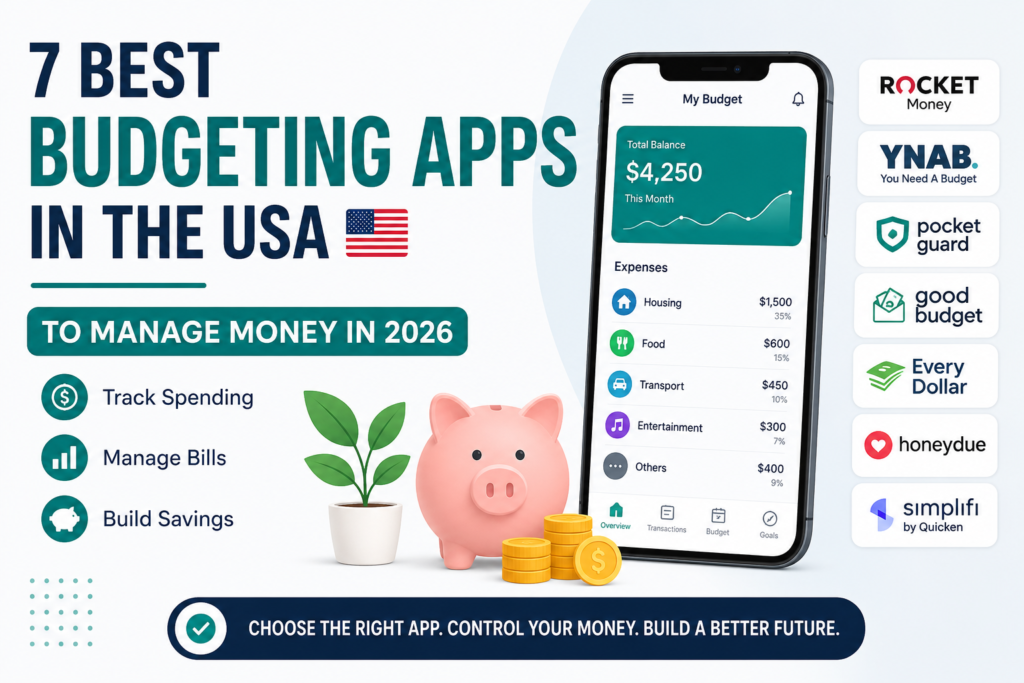
Table of Contents
What Are the Best Budgeting Apps in the USA in 2026?
The most widely used budgeting apps in the United States include:
- Rocket Money – best for tracking subscriptions
- YNAB – best for structured budgeting
- PocketGuard – best for controlling daily spending
- Goodbudget – best envelope budgeting system
- EveryDollar – best for beginners
- Honeydue – best for couples
- Simplifi by Quicken – best for financial insights
Quick Comparison of Popular Budgeting Apps
| App | Best For | Price | Key Feature |
|---|---|---|---|
| Rocket Money | Subscription tracking | Free / Paid | Detects recurring charges |
| YNAB | Advanced budgeting | Paid | Zero-based budgeting system |
| PocketGuard | Daily spending control | Free / Paid | “In My Pocket” spending tracker |
| Goodbudget | Envelope budgeting | Free / Paid | Digital envelope method |
| EveryDollar | Beginner budgeting | Free / Paid | Simple monthly planning |
| Honeydue | Couples managing money | Free | Shared finance tracking |
| Simplifi by Quicken | Financial insights | Paid | Smart spending plan |
1. Rocket Money
Rocket Money is designed to simplify everyday financial management. The app connects with bank accounts and credit cards, allowing it to categorize transactions automatically. This helps users understand where their money is going each month. Many users consider this one of the best budgeting apps in the USA for cancelling unwanted subscriptions.
One of its most discussed features is subscription tracking. Many people forget about recurring charges from streaming services, fitness apps, or online platforms. The app identifies these subscriptions so users can review and manage them.
Rocket Money also provides spending alerts that notify users when they approach limits in certain spending categories.
- Pros: Excellent at identifying forgotten subscriptions; easy-to-use interface.
- Cons: Most useful features require a premium subscription; concierge services cost extra.
Best for: People who want a quick overview of spending and recurring subscriptions.
2. YNAB (You Need a Budget)
YNAB follows a structured budgeting philosophy known as zero-based budgeting. The method encourages users to assign every dollar of income to a specific purpose before spending it.
Instead of simply tracking past transactions, YNAB focuses on planning future spending. The app includes reports that help users analyze spending habits and savings progress over time.
I personally found YNAB’s ‘Give Every Dollar a Job’ rule difficult for the first week, but once I synced my main checking account, it reduced my impulse spending by nearly 15%. The platform also offers educational materials and workshops that help users learn budgeting techniques.
- Pros: Highly effective for long-term debt reduction; detailed educational resources.
- Cons: Steeper learning curve than other apps; no free permanent tier.
Best for: Individuals interested in a structured approach to budgeting and long-term financial planning.
3. PocketGuard
PocketGuard focuses on answering a simple question: How much money is safe to spend today?
The app analyzes income, bills, and financial goals to calculate the remaining amount of money available for daily expenses. This feature is called “In My Pocket.”
PocketGuard also organizes expenses into categories so users can identify areas where spending might be higher than expected.
- Pros: Real-time “In My Pocket” spending calculation; easy setup for bill tracking.
- Cons: The free version has limited category customization; requires linking bank accounts for full value.
Best for: People who want a clear view of available spending money.
4. Goodbudget
Goodbudget uses the envelope budgeting method, a traditional system where money is divided into spending categories.
Instead of physical envelopes with cash, the app uses digital envelopes for expenses such as groceries, rent, and entertainment. When users record a transaction, the amount is deducted from the relevant envelope.
Some users prefer this method because it encourages active involvement in budgeting rather than relying entirely on automation.
- Pros: Simple digital version of the proven envelope method; great for manual trackers.
- Cons: Does not sync automatically with banks in the free version; requires more manual effort.
Best for: People who prefer the classic envelope budgeting system.
5. Every Dollar
EveryDollar is designed with simplicity in mind. The app allows users to create a monthly budget by listing income and assigning amounts to various spending categories.
The interface is relatively straightforward, which makes it easier for beginners to start budgeting without feeling overwhelmed.
Users can track expenses manually or connect bank accounts for automatic updates, depending on the version they use.
- Pros: Clean and intuitive interface; created by financial expert Dave Ramsey.
- Cons: The free version doesn’t link to bank accounts; premium version is relatively expensive.
Best for: Beginners who want a simple and easy-to-understand budgeting tool.
6. Honeydue
Honeydue is designed specifically for couples who want to manage their finances together.
The app allows partners to link bank accounts, track shared expenses, and monitor bills in one place. Users can also communicate within the app to discuss financial decisions.
Honeydue includes bill reminders to help users avoid missing payments.
Best for: Couples managing shared household finances.
7. Simplifi by Quicken
Simplifi by Quicken provides a comprehensive overview of financial activity through dashboards and spending reports.
The app’s spending plan feature automatically adjusts according to income, bills, and savings goals. It also provides projections that help users understand how upcoming expenses may affect their finances.
These insights can help individuals plan future spending more effectively.
- Pros: Excellent personalized spending plans; powerful investment tracking.
- Cons: No free version available; can feel complex for absolute beginners.
Best for: Users who want detailed financial insights and forward-looking financial planning.
How to Choose the Best Budgeting Apps in the USA
Different budgeting apps serve different financial needs. Choosing the right one depends on personal habits and financial goals.
Some people prefer automated systems that connect directly to bank accounts, while others prefer manually entering transactions for better awareness of their spending.
When evaluating a budgeting app, consider the following factors:
Ease of Use
The interface should be simple enough to use regularly.
Security
Choose apps that follow strong security practices to protect financial information.
Features
Look for tools that align with your financial goals, such as debt reduction, expense tracking, or savings planning.
Cost
Some budgeting apps offer free versions, while others require monthly or yearly subscriptions.
Testing different apps can help users determine which platform best fits their financial lifestyle.
Why Budgeting Apps Are Popular in the USA in 2026
Economic changes in recent years have made financial planning increasingly important. Rising housing costs, inflation in everyday goods, and growing subscription services can make it harder to control spending.
Budgeting helps individuals understand their income and expenses more clearly. Rather than restricting spending entirely, budgeting allows people to make informed decisions about how they use their money.
When individuals track their finances consistently, they may find it easier to plan for future expenses, build savings, and reduce financial stress.
Final Thoughts
Budgeting apps have changed how many people manage their finances. Instead of relying solely on spreadsheets or handwritten notes, users can now track spending, monitor bills, and analyse financial patterns in one place. Finding the best budgeting apps in the USA is the first step toward long-term financial freedom.
Apps such as Rocket Money, YNAB, PocketGuard, and Simplifi offer different approaches to budgeting, allowing users to choose the system that best fits their needs.
While no single app works for everyone, using a reliable budgeting tool can help individuals better understand their financial habits and make more informed decisions about their money.
Frequently Asked Questions
- What is the best free budgeting app in the USA?
Many users consider Rocket Money and Pocket Guard among the most popular free budgeting apps because they provide automated spending tracking and financial insights.
- Are budgeting apps safe to use?
Most budgeting apps use bank-level encryption to protect user data. However, it is important to review the app’s privacy policies before connecting financial accounts.
- Do budgeting apps connect to bank accounts?
Yes, many apps allow users to securely connect their bank accounts to automatically track transactions and categorize expenses.
Disclaimer: The information provided on Global Echo USA is for informational purposes only and should not be considered financial advice. We recommend consulting with a financial professional before making significant investment or spending decisions. Some links in this post may be affiliate links.